Your robot vacuum cleans the room but backs away from a black mat. Does it dislike the mat? A cliff sensor may be interpreting the surface as a drop. Before declaring a fault or covering a sensor, note exactly where it stops.
Checked November 4, 2026, against official Roborock and eufy support. This is a troubleshooting guide, not a hands-on model review or a claim that every 2026 product behaves this way.
Key points
- Dark mats may trigger cliff sensors in some robot vacuums; check model-specific guidance.
- Distinguish one-mat stops from repeated errors across surfaces and follow the manual for maintenance.
- Avoid covering safety sensors; check supported boundaries and physical barriers at drop hazards.
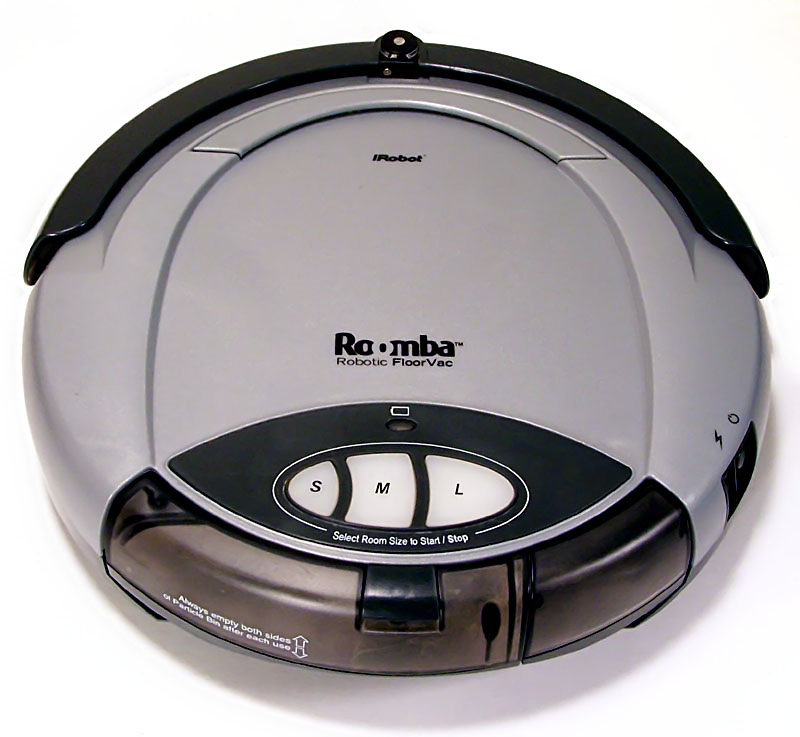

1. Why a black mat can look like a drop
Roborock explains that dark carpet can trigger cliff sensors as a drop would, preventing cleaning. In its relevant RoboVac guidance, eufy describes underside infrared drop sensors that may not work properly on dark flooring or carpet. Roborock explanation · eufy explanation
A mat that looks flat to a person can produce a different sensor signal. This is a possible cause, not a diagnosis of every stop in front of a black mat. Sensor design, software and flooring conditions need checking for your model.
2. Separate “only this mat” from “everywhere”
This table is our editorial checking sequence. Observe on a flat area without a fall hazard; do not deliberately test at a stair edge. Follow your manual’s power and maintenance instructions when cleaning sensors.
| What you observe | What to check first | What to record |
|---|---|---|
| Repeated stops at one dark mat | Mat versus surrounding floor; model-specific guidance | Stop location and app error message |
| Same error on several surfaces | Sensor dirt and the manual’s checks | Symptoms before/after maintenance; model number |
| You want to avoid the mat | Support for no-go zones or boundary strips | Configured area and actual route |
eufy identifies dirty sensors, carpeted stairs and extremely dark floors as conditions where drop sensors may work poorly or not at all. Sensors do not mean a robot can never fall. Conditions affecting fall protection
3. Would covering the sensors with tape solve it?
Our safety recommendation is not to bypass fall protection by covering it. Eliminating a stop and preventing a fall must be considered together. Roborock’s cited FAQ also says its cliff sensors are essential and cannot be disabled.
For supported models, eufy suggests boundary strips or app no-go zones to avoid dark areas. Not every product supports them. It also recommends physical barriers at possible drop areas and keeping charging bases away from stairs. Do not assume a virtual setting alone guarantees safety.
4. Record a short video and check the model
Hypothetical example: If the robot turns back only at a black living-room mat, note “repeated stop at mat” and save the app error and a short movement video. This is not a real reader case or a test of the pictured device. If the issue persists on other surfaces, use the record and model number when contacting manufacturer support.
Cleaning the mat separately is another option. The goal is not to force the robot across it, but to understand its operating range and safety conditions on your floor.