You plug in your phone at an airport seat and see “Trust This Computer?” You wanted to feed the battery, so why is the phone asking for introductions? Charging and allowing access to data are different decisions.
Sources checked on November 6, 2026. This permission guide compares current Apple and Google help pages; it is not a security inspection of an airport or a report of an intrusion. Screens vary with the operating system, connector and device-management policy.
Key points
- Separate needing power from deciding to trust a computer or grant data access.
- Distinguish iPhone USB power adapters from accessories, and check Android file-transfer choices.
- Do not automatically approve unfamiliar requests; check known equipment and official instructions.
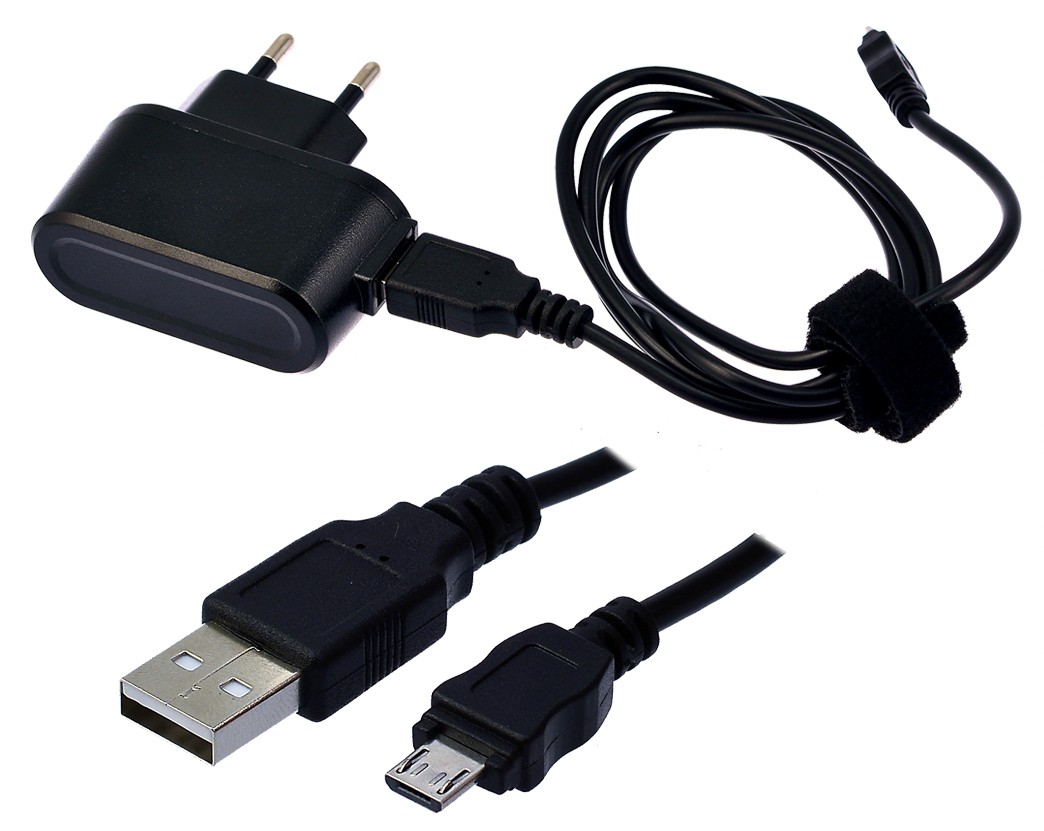

1. Trust is not the start-charging button
Apple explains that a trusted computer can access content such as photos, videos and contacts. Our editorial recommendation is to choose “Don't Trust” when you only need power and do not know the connected device. The prompt itself is not evidence of an attack. What the trust prompt means
The question to read is not “May I receive electricity?” but “Do I have a reason to let this connected device access my information?” Copying photos to your own computer at home and needing power while traveling are different situations.
2. Must you allow access if charging fails?
Apple distinguishes accessories that may not communicate or charge before unlocking from a USB power adapter, which can charge without unlocking. Do not start by approving an unknown connection or changing wired accessories to “Always Allow.” Accessories versus power adapters
Google's Android instructions also describe selecting “File transfer” as a separate step after connecting to a computer by USB. Plugging in to charge and choosing file transfer are different actions. Check labels for your manufacturer and version. Android USB instructions
3. Check the purpose and the other device first
This is an editorial decision table, not a security certification based on a port's appearance or a promise of identical behavior on every device.
| Your purpose | Ask first | Next action |
|---|---|---|
| Power while traveling | Do I know the connected device? | Do not approve an unknown data-access request |
| Copy photos to my computer | Is this my device, and do I intend a transfer? | Check the official transfer procedure and permissions |
| Connected but not charging | Do the adapter, cable and device conditions match? | Check known equipment and manufacturer guidance |
This does not mean every public USB port is malicious or that your own cable makes every connection safe. We have not measured attack frequency or Korean victim statistics. The purpose is understanding what the allow button means.
4. Prepare three things before leaving
- Pack a suitable power adapter and a cable of known provenance.
- Separate power connections from file transfers; pause to read unfamiliar requests.
- If you accidentally trusted a device, disconnect and check the manufacturer's instructions for changing trust settings.
Apple describes resetting location and privacy settings to change previous computer trust. Other permission prompts may also be affected, so read the official procedure rather than rushing to erase all settings or the whole phone. Changing trust settings
Hypothetical example: If an unknown computer asks for trust when you only need power before boarding, look for a known charging method, such as the power adapter you packed, instead of granting extra access. Continue with travel adapter checks for overseas electrical conditions and watts versus data speed for cable specifications.