Found a bag you like but do not know its name? Showing AI a photo can be a useful starting point. Finding a similar bag and confirming the same model are separate steps. Here is a short check before moving a result into your basket.
Checked November 2, 2026, against Google’s October 2024 explanation and current help. This is practical guidance, not a newly launched feature report or a claim about the cheapest product today.
Key points
- Photo search is a starting point for similar products, separate from confirming an identical model.
- Narrow the image and words, then compare official model numbers, specifications and contents.
- Based on current help and the 2024 feature explanation, not a lowest-price claim or hands-on review.

1. Where do you start with Google Lens?
Tap the Lens icon in the Google app’s search bar to take a photo or select a saved image. Google Photos help for Android gives the sequence: select a photo → More → Google Lens. Clothing and home goods can return similar products and sellers; barcodes can return product information. Current help
South Korea is listed among countries with shopping results. Menus and results may still vary by app, device and account. We have not tested the feature with a Korean account for this article. Check your device’s instructions before searching endlessly for an absent button.
2. Does a similar result mean the same item?
Google describes showing product information and retailers when a product is identified, and combining an image with words to refine a search. Do not read this as a guarantee that every result is the identical model. The following checks are our editorial suggestions. Feature explanation
| Clue in the result | What to check next | What it does not establish |
|---|---|---|
| Similar color and shape | Product label and official model number | Identical product |
| Same brand | Generation, size, capacity, material and contents | Identical specifications |
| Barcode search result | Actual label and seller’s product description | Identical options from every seller |
| Apparently low price | Final terms for the selected option | Guaranteed lowest price |
3. Use a photo plus conditions
Our suggested workflow is to narrow the search region around the item and add clues you already know, such as brand or size. Exclude other people’s faces or shipping addresses in the background before uploading. Once you find a model number, compare the label and manufacturer’s official product page.
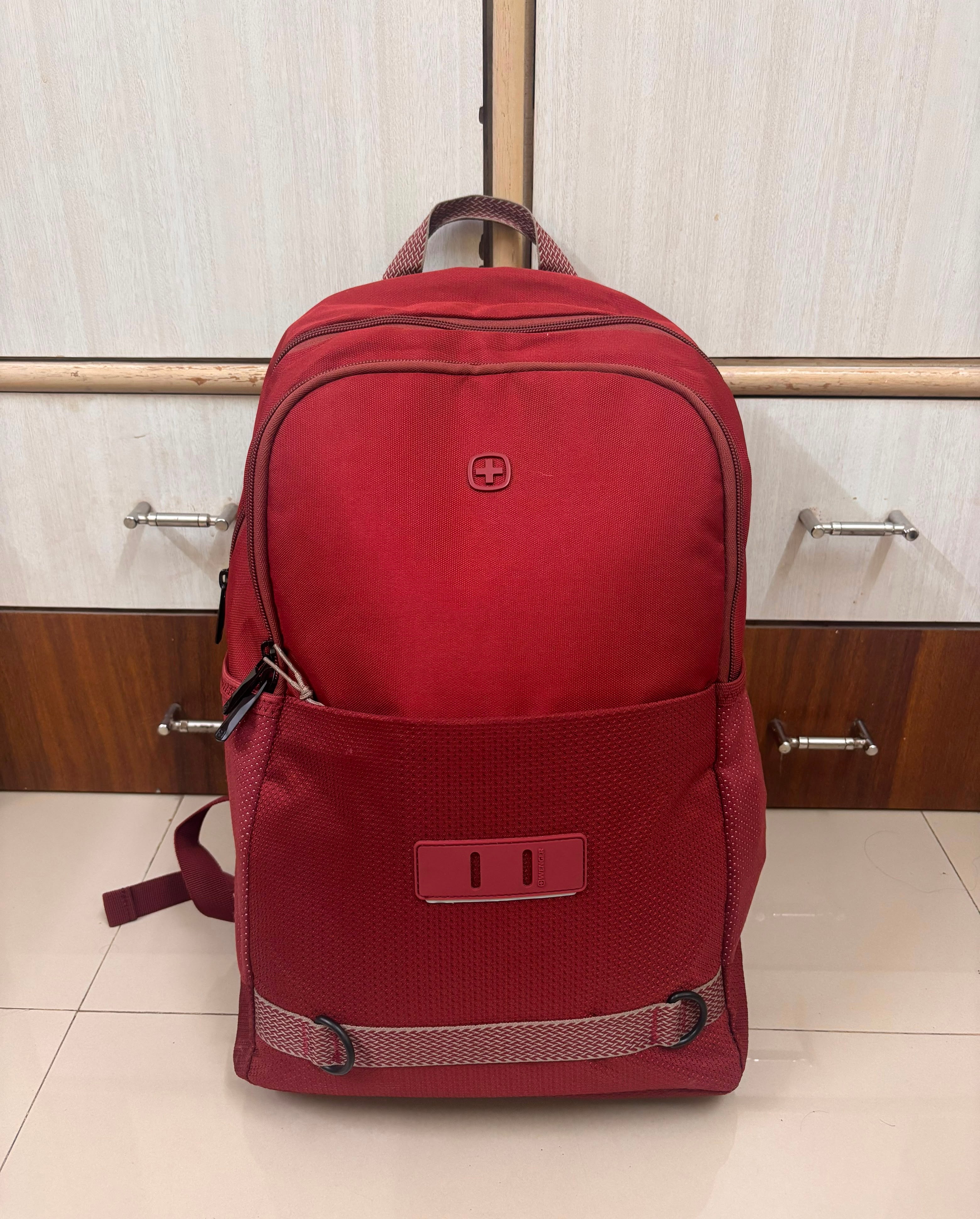
Hypothetical example: You search for a red commuting backpack and find a similar design with a different capacity. Matching front pockets do not ensure that its laptop compartment or dimensions fit your belongings. This example does not infer the pictured bag’s capacity or performance. Adding words narrows candidates; product verification remains a separate task.
4. Fill in three boxes before paying
- Your requirements: dimensions of the belongings it must hold, material and required accessories.
- Identity evidence: matching manufacturer model number and seller option.
- Open questions: ask the seller about details the photo cannot establish, and save the response.
If the photo is insufficient, label the candidate “same model not yet confirmed.” Similar products can still be useful when your goal is a similar style. Use AI to start finding an unnamed item, and the model number as the reference for purchase comparisons.